


 -100%
-100%Agentic AI 🎉
Agentic AI: No-code platform for sales, support, and lead capture with CRM, multilingual chat, voice, and white-label options.
Free
Turn audio into polished videos in minutes—perfect for creators needing fast, professional results without complex editing tools.
Satisfaction Guaranteed
Not happy with your purchase? Contact support for a credit refund.
Audio2Video does exactly what it promises: it turns an audio file into a clean, professional-looking video you can post on YouTube, TikTok, or Reels without needing a full video editor. The workflow is simple and runs in the browser, so there’s nothing heavy to install. You upload your audio, pick a style, and it generates a share-ready video with visual elements that make audio content feel “watchable” (great for podcasts, interviews, voice notes, and music previews).
What I liked most is the speed-to-output ratio: it’s clearly built for creators who want volume and consistency, not a complex timeline. The results look polished enough for social channels, and it’s especially useful if you’re repurposing long-form audio into short clips.
That said, don’t expect advanced creative control like a pro NLE (layer-by-layer compositing, detailed keyframing, etc.). It’s more of a “generate and publish” tool than a deep editor—perfect for quick turnaround, but power users may want extra customization.
Support-wise, it’s reassuring that they advertise a 14-day money-back guarantee, which lowers the risk if it doesn’t fit your workflow.
Overall: a strong pick for podcasters, marketers, and creators who need fast audio-to-video conversions with a professional finish, without the usual editing hassle.
-100%Agentic AI: No-code platform for sales, support, and lead capture with CRM, multilingual chat, voice, and white-label options.
 -100%
-100%All-in-one GrokMAX dashboard: lifetime access to Grok models, image/video/voice tools, real-time X data, unlimited usage.
 -100%
-100%AI Affiliate Machine lets you quickly create full affiliate campaigns with AI-generated assets—perfect for fast product testing and promotion.
 -100%
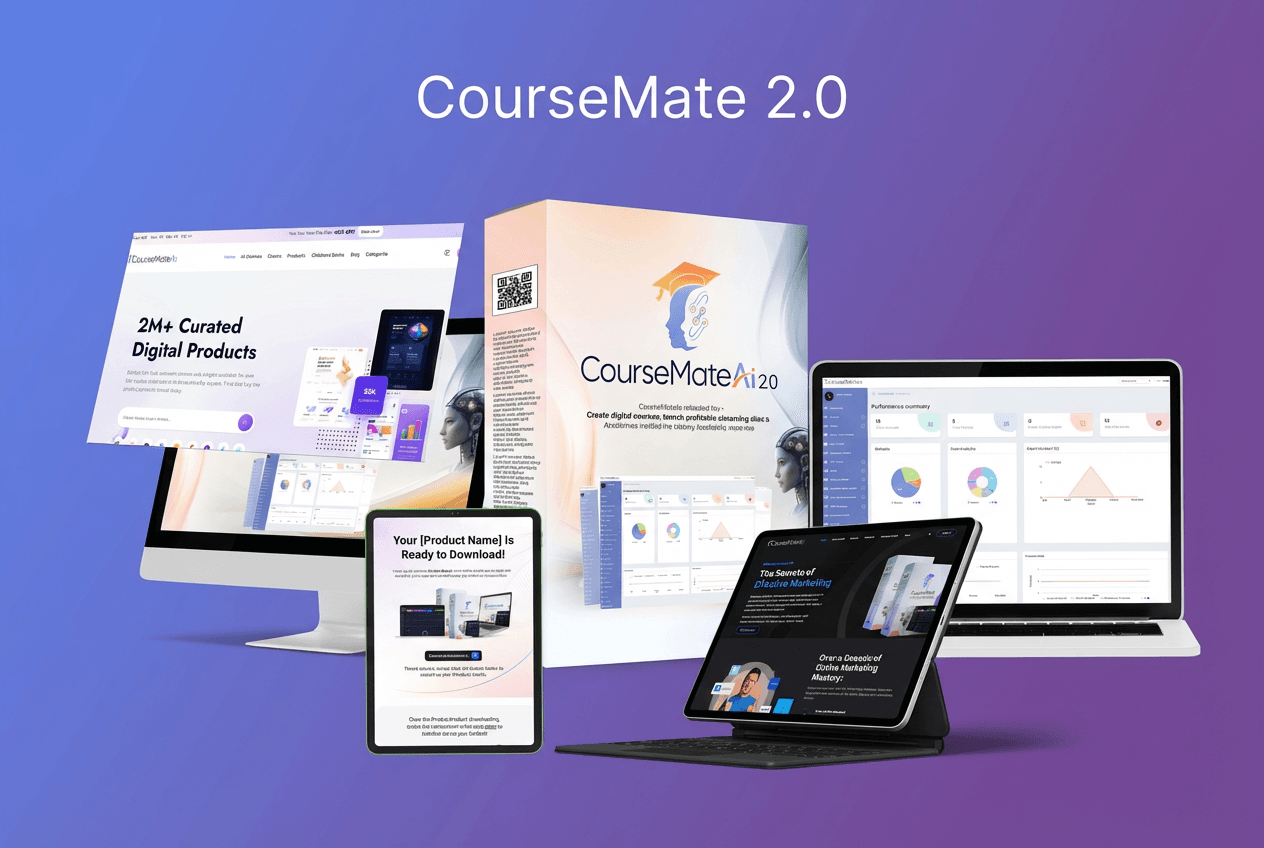
-100%Launch your own eLearning academy fast with CourseMateAI 2.0—AI-powered course creation, sales tools, and marketing in one platform.